libretto42

Inclusion & accessibility: Accessibility in guests’ own hands.

Guests’ smartphones, sign language by avatar, audio description, plain language — libretto42 makes every performance accessible to everyone in the audience, without special equipment in the auditorium.

The libretto42 app

Smartphones as
personal screens

Connected in seconds, without registration — the app turns guests’ smartphones into personal, accessible subtitle screens.
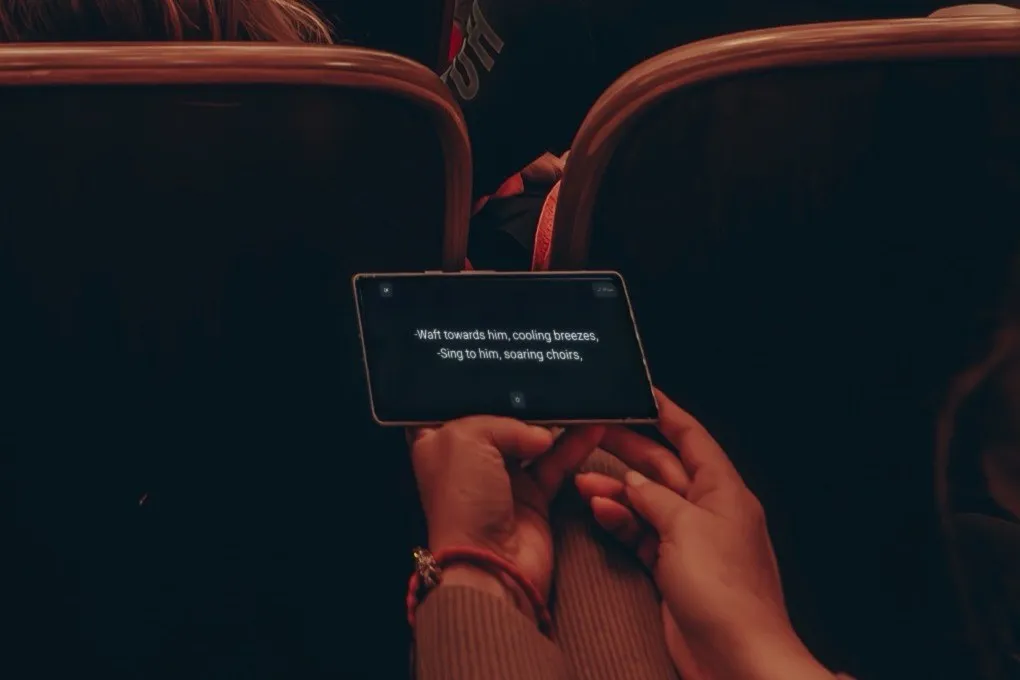
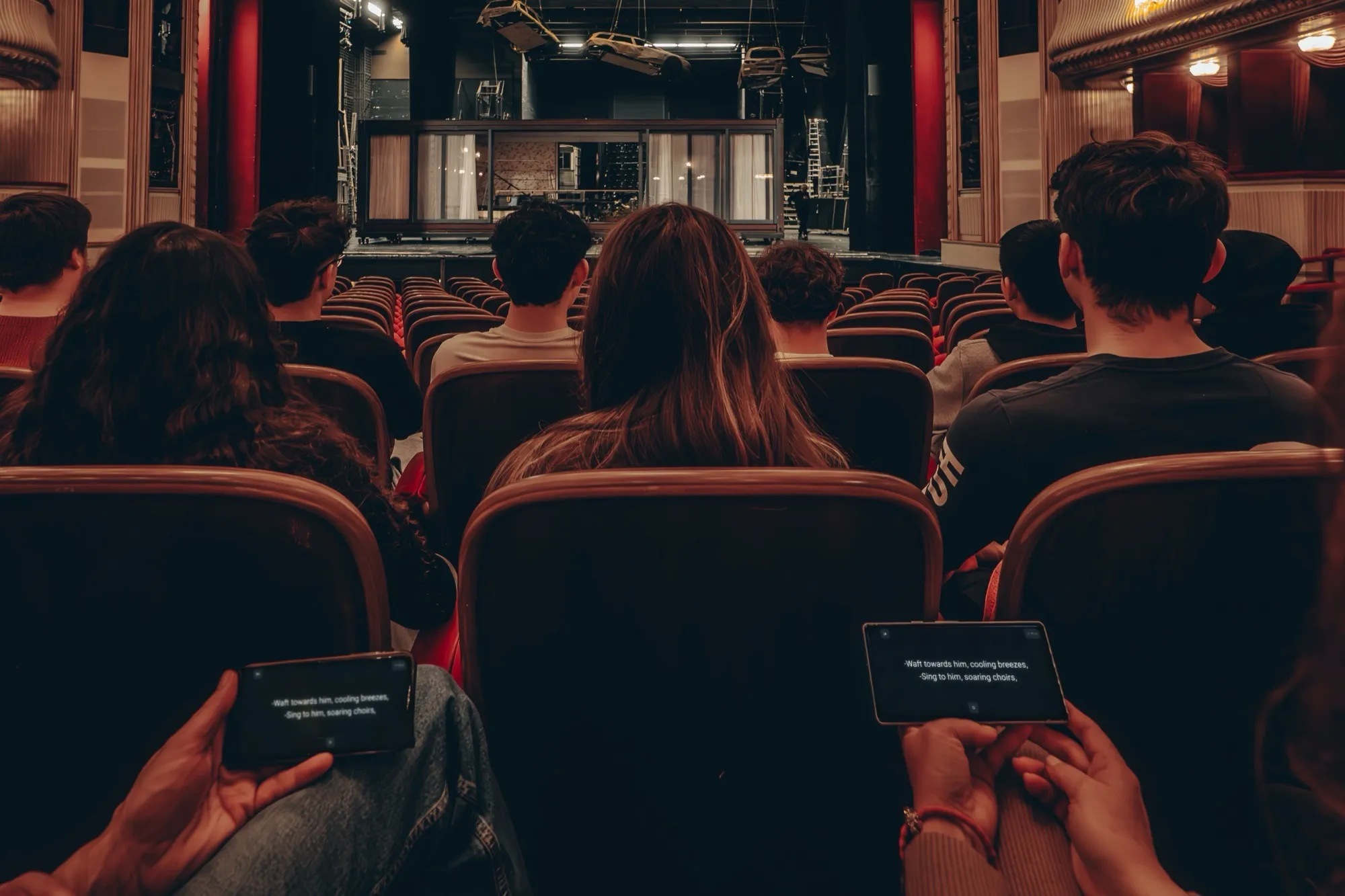
In a dark auditorium, a guest holds a smartphone sideways; the libretto42 app shows subtitles
  • Free for guests

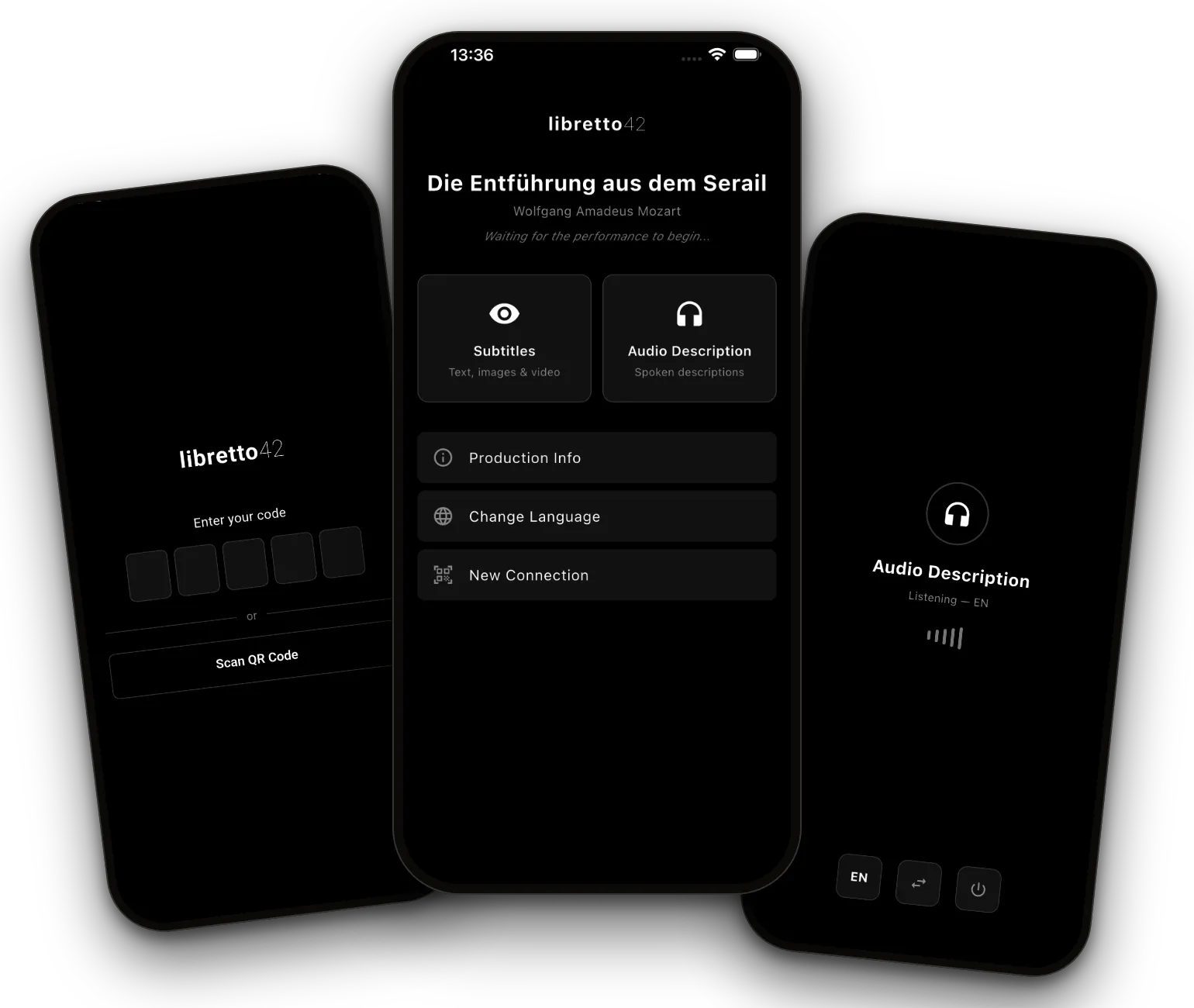
    The app is available for free in the app stores and included for you in every pricing model. Guests connect by QR code or a 5-digit code.

  • Custom text channels

    Your venue sets up plain language, text versions for deaf guests and more in the Editor, like any other language.

  • Text, image, video, sound

    The app shows all the content your venue provides: subtitles with text, images or videos, plus audio description as a separate mode.

  • Accessible to use

    Font size and brightness are adjustable; VoiceOver and TalkBack are supported.
  • For dark auditoriums

    A dark design, and stage management can dim the app display centrally.

  • Five app languages

    The interface is available in German, English, Spanish, French and Italian.

  • Your brand

    On request, you get a version of the app in your own design.

  • Two reading modes

    Single line or running text, whichever guests prefer.
Audio description

Following the
performance — by ear

Prepared in advance and cued in sync with the performance.

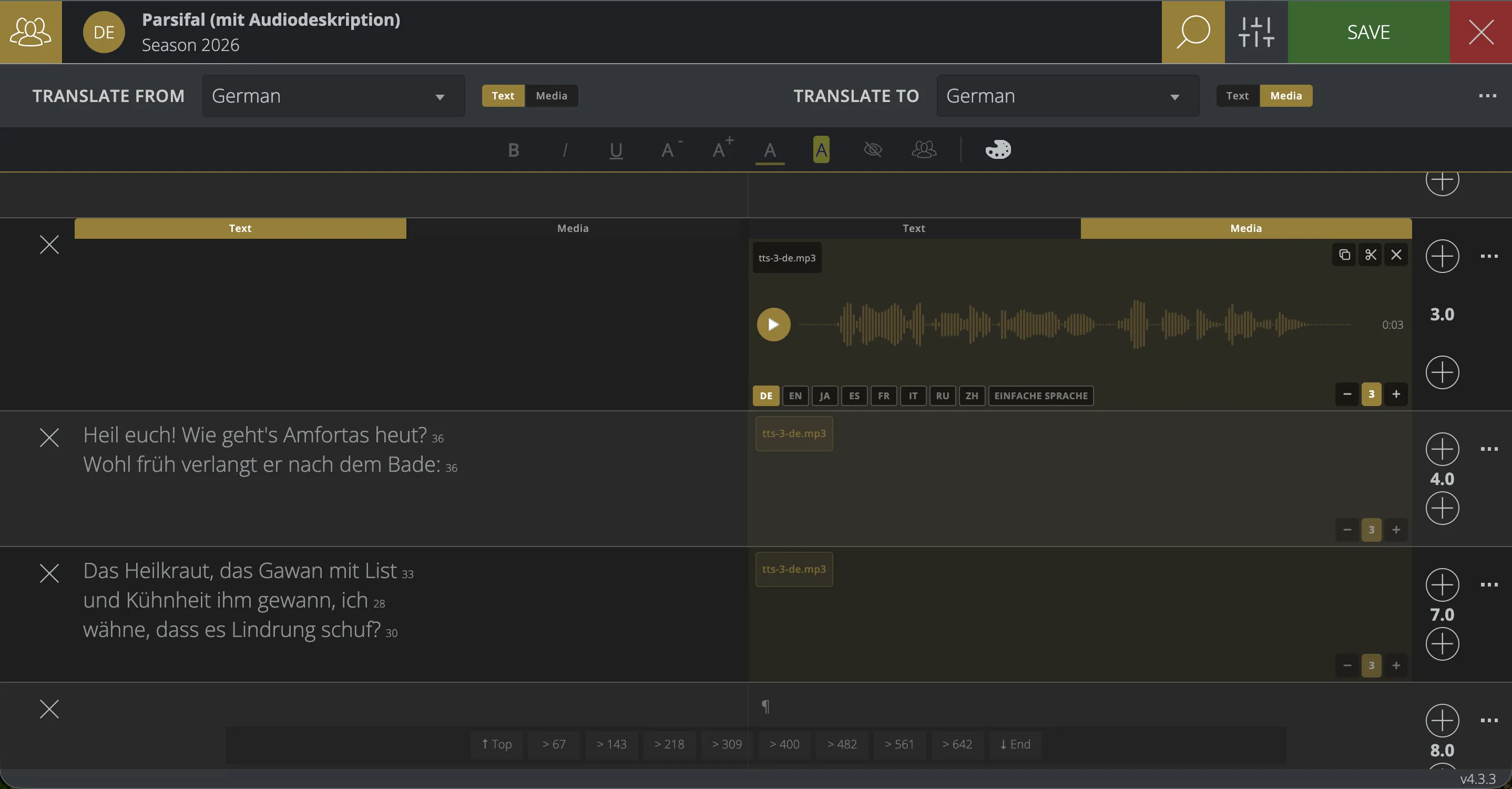
Cloud Editor for “Parsifal (mit Audiodeskription)”: German text on the left, the audio description on the right as an audio track spanning three frames
  1. In the Cloud Editor

    1. Add audio description
        1. Upload your own recording
      • or
        1. Voice it with AI
    2. Place it in the libretto
  2. In the auditorium, in sync with the performance

      • On headphones
  • Prepared in the Editor

    Scene by scene in the Cloud Editor: as text voiced by AI, or as your own recording.

  • Separate mode in the app

    Audio description has its own mode, which keeps running even when the app is in the background.

  • Without a smartphone

    Also available through the seat display and fixed audio connections.

Plain language

Understanding the performance —
in plain language

A dedicated language channel that reaches a broad audience. Plain language helps people with disabilities and people with reading difficulties, as well as anyone who wants to follow the plot without reading every line closely.

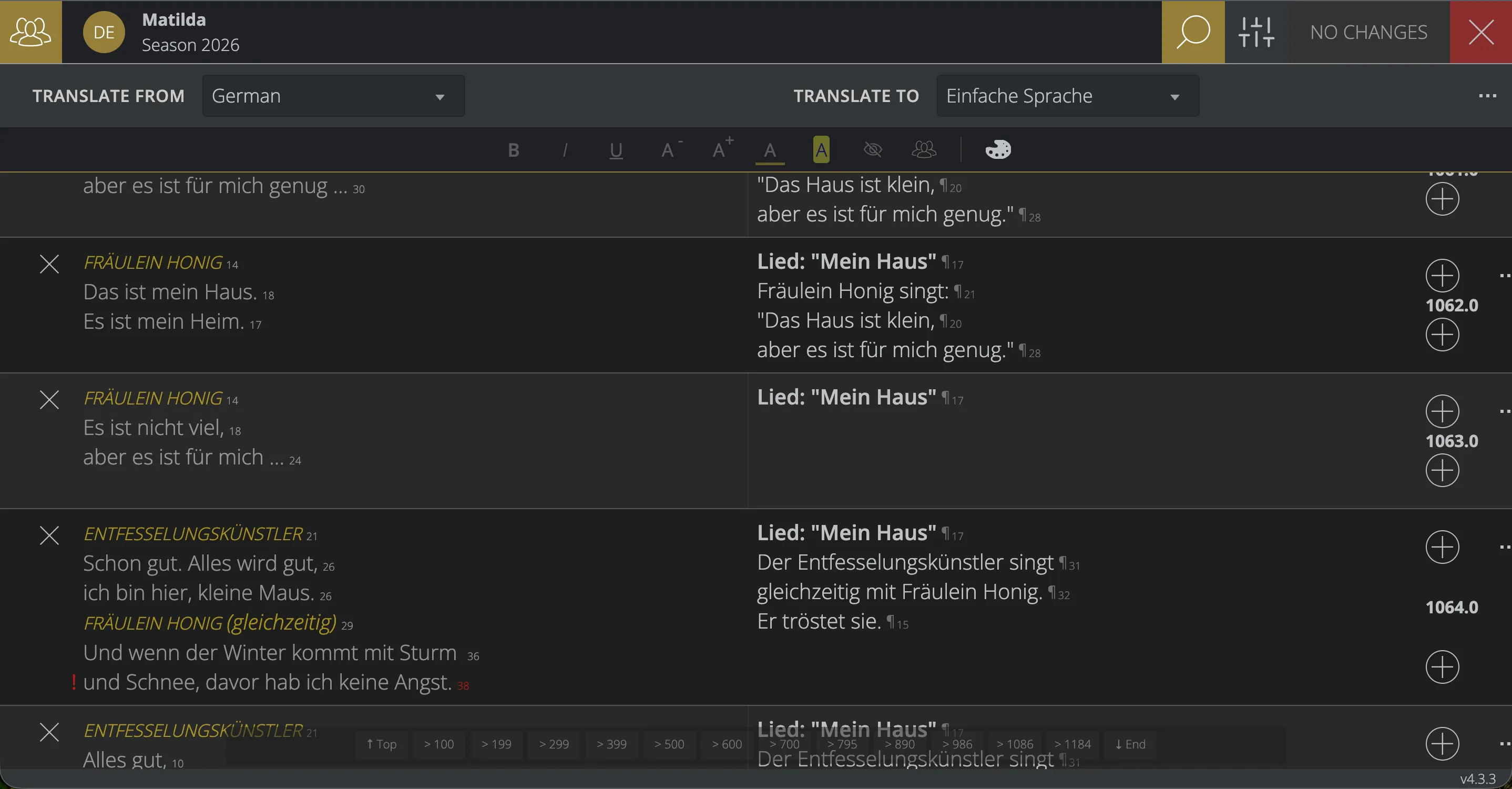
Cloud Editor for “Matilda”: German text on the left, the same lines in Einfache Sprache (German plain language) on the right
  1. In the Cloud Editor

    1. Create a "plain language" channel
        1. Write it yourself
      • or
        1. Translate with AIEnglish → plain language
    2. Check and edit
  2. In the auditorium, like any other language

      • Surtitles
      • App
      • Seat displays
  • Now in use

    At the Musiktheater Linz for “Matilda – Das Musical”, the first production with plain language.

  • AI assistance

    AI turns texts into plain language (language level B1). Your venue checks the text in the Editor.

  • Dedicated language channels

    Created and maintained in the Editor, like any other language.

Sign language with SiMAX

Sign language by a digital avatar

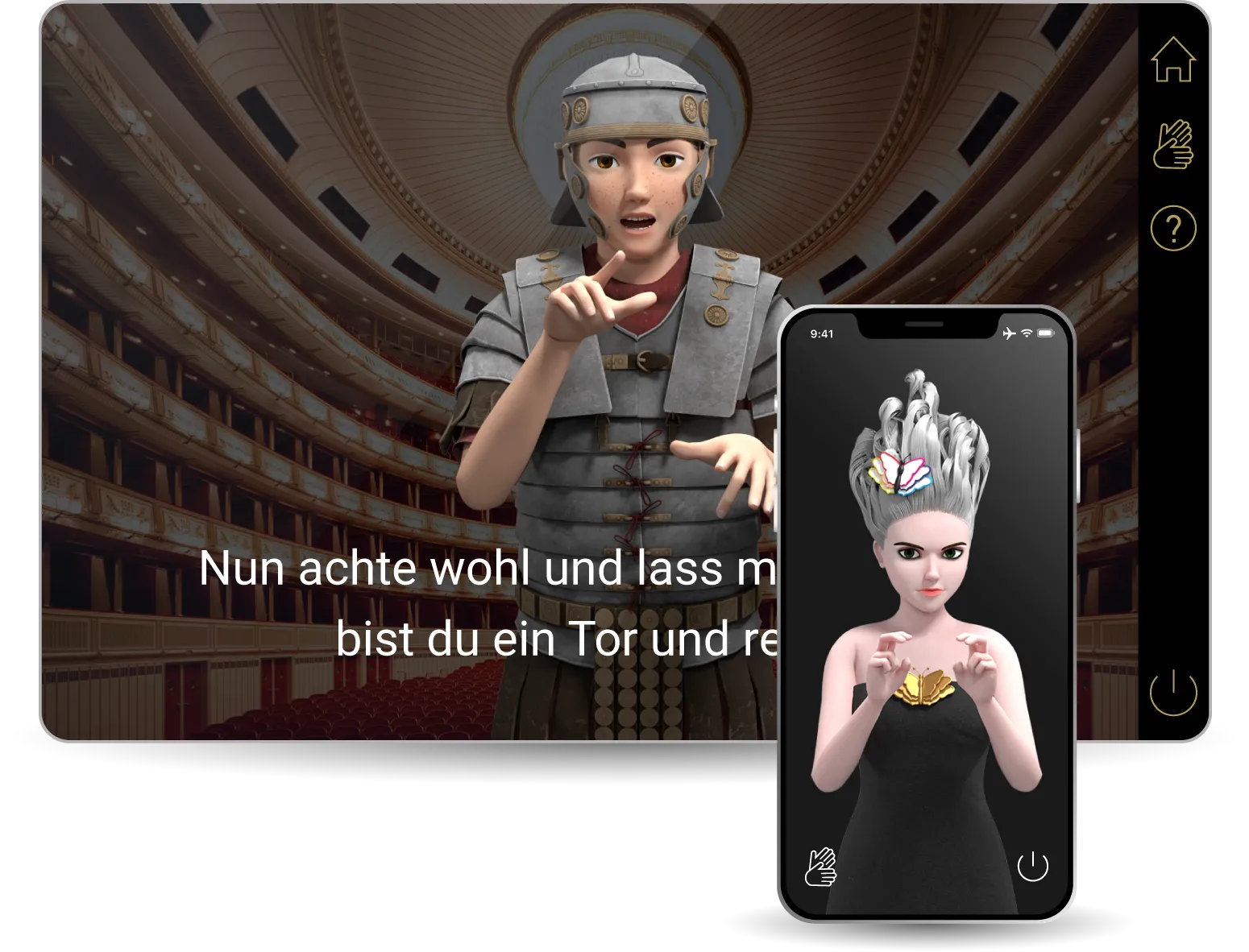
Together with our partner SiMAX (SignTime GmbH), sign language can be made available by avatar. Spoken and written text is translated and signed by a 3D-animated avatar.

SiMAX avatar showing sign language on a seat display and a smartphone
  • Reviewed by deaf people

    A learning database suggests the translation automatically. Deaf translators review and refine it.

  • Flexibly embedded

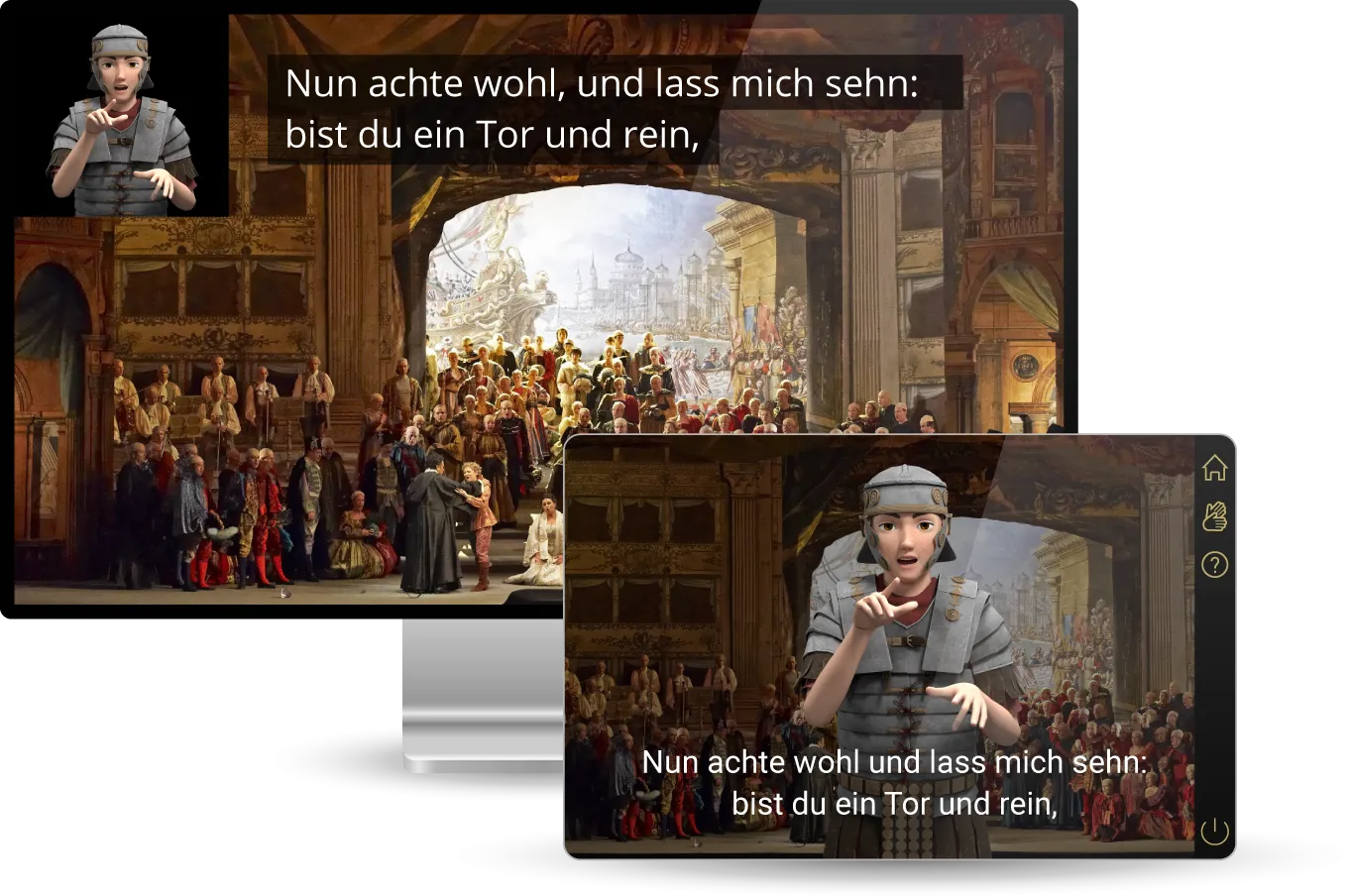
    The avatar appears within an existing video or as a separate video clip.

SiMAX avatar and subtitles
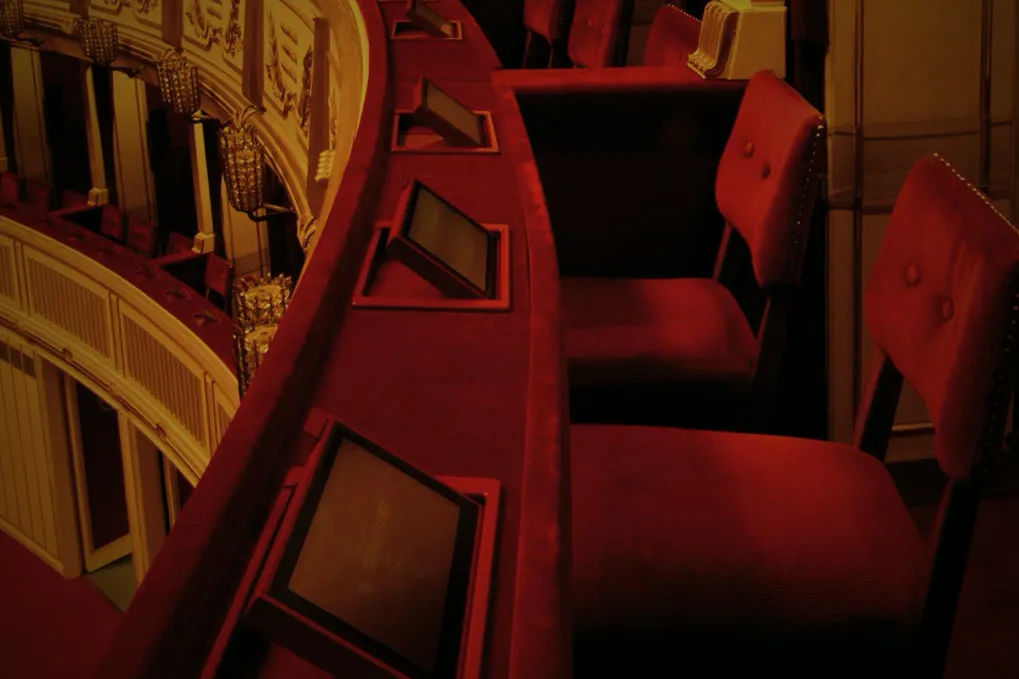
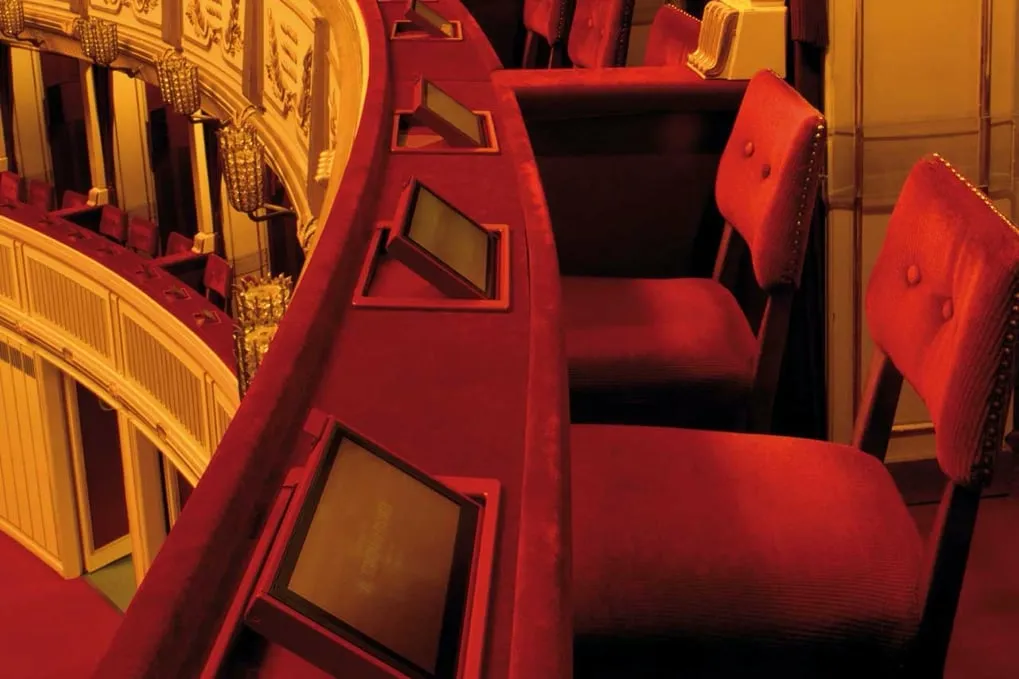
A box parapet at the Vienna State Opera with built-in seat displays in front of red velvet chairs.

See libretto42 at your venue

Arrange a demo tailored to your setup — we’ll get back to you quickly and personally.