libretto42

Surtitle software: One interface for the whole performance.

Your team translates and prepares the texts in the Cloud Editor. Stage management cues them live: on seat displays, LED wall, projection, guests’ smartphones and the screens in the foyer.

Cloud Editor

Translate together,
from anywhere

The Editor runs in the browser — no local setup, no version chaos by e⁠-⁠mail. Your team works on the same text together, from anywhere.
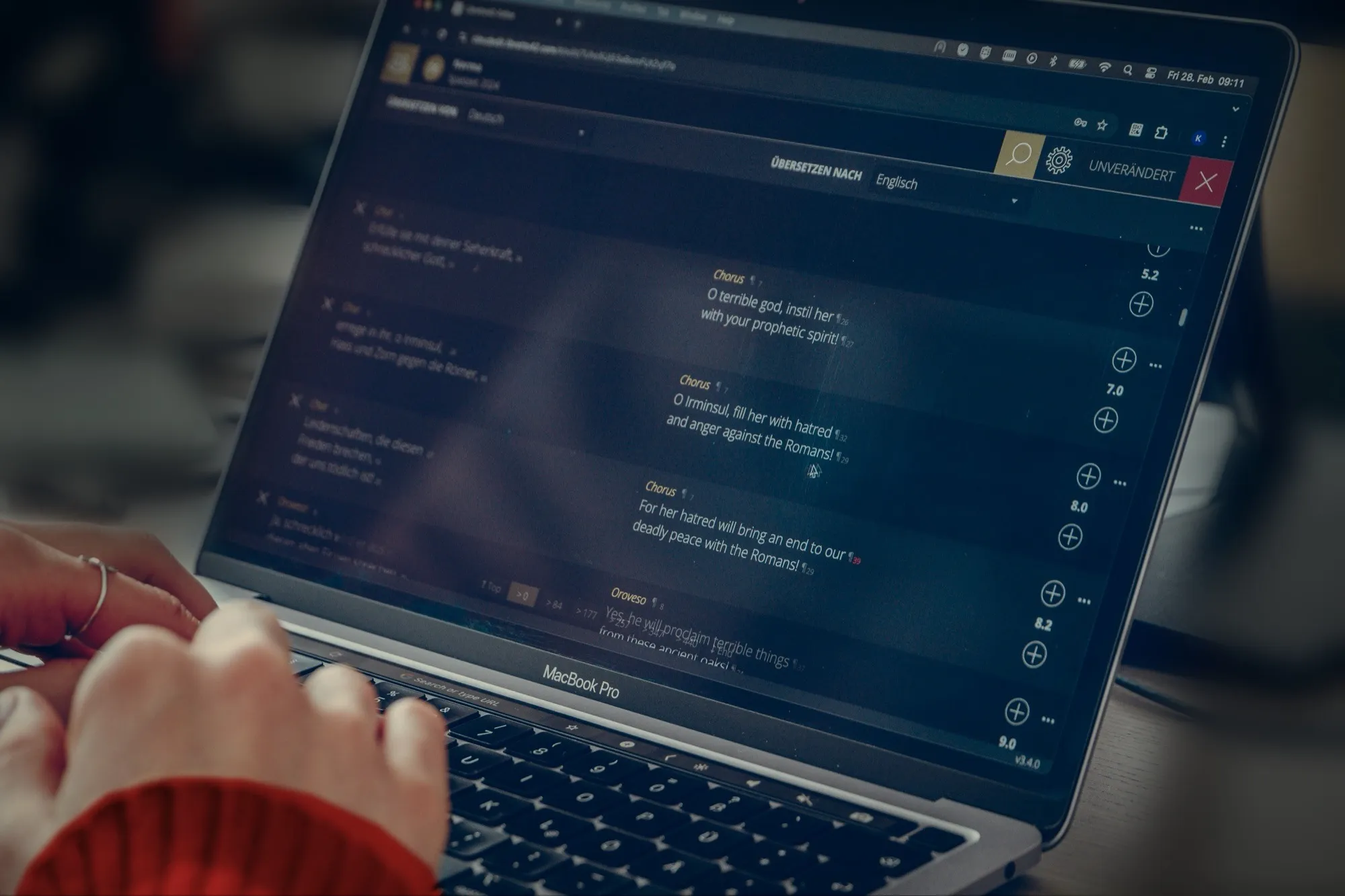
Hands on a laptop keyboard, the screen showing the Cloud Editor with a German-to-English translation
  • Work at the same time

    Everyone sees who else is editing the same libretto. Comments sit right next to the text.

  • Nothing gets lost

    Drafts are saved continuously, and earlier versions can be restored at any time.

  • Any language

    You choose which languages you offer, and how many. The choice isn’t limited to a fixed list: original version, sign language, plain language or text versions for deaf guests are set up as separate channels, like any other translation.
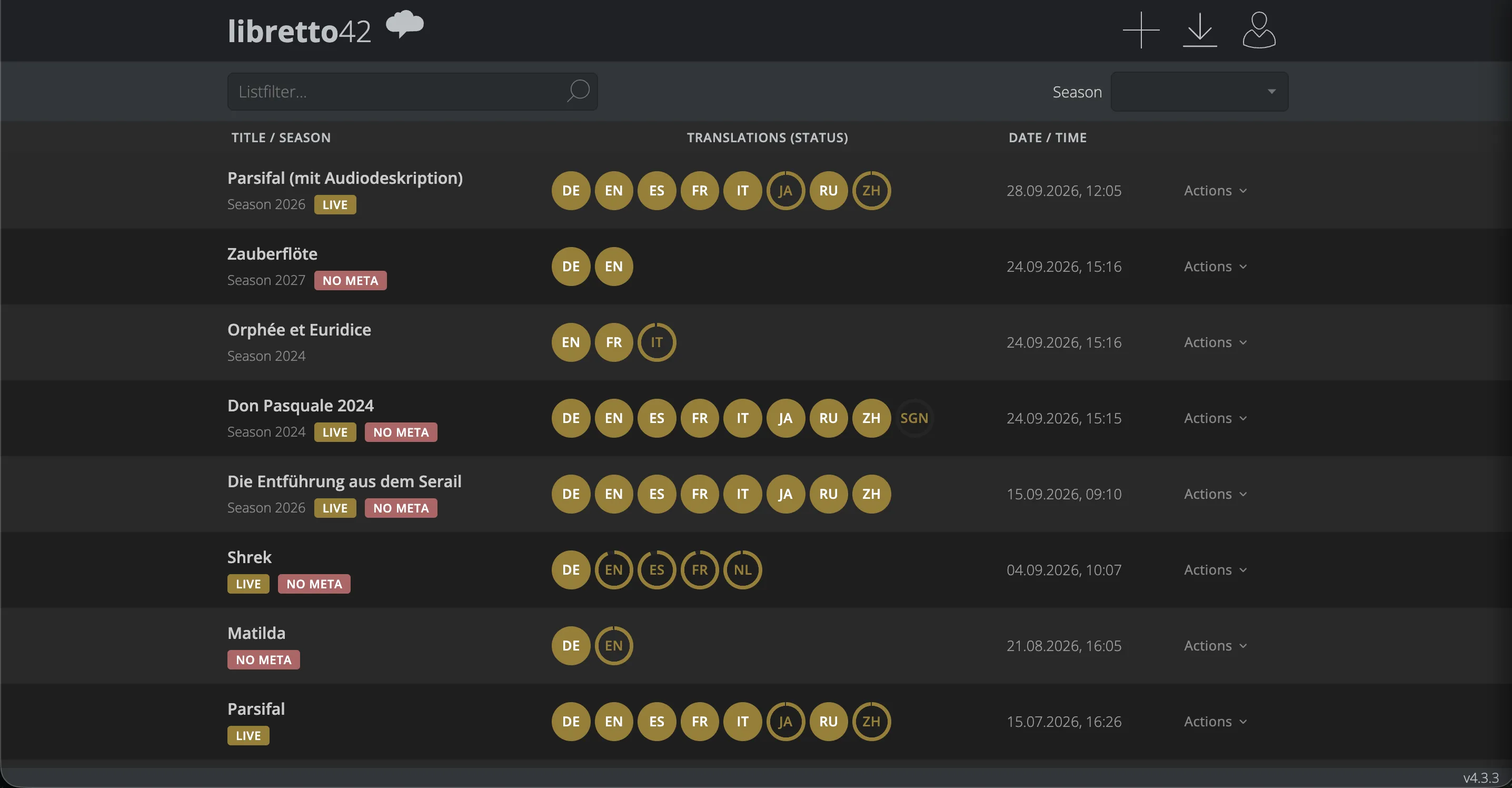
Cloud Editor overview: productions such as “Parsifal”, “Die Zauberflöte” and “Don Pasquale”, each with its languages, translation progress, status and date
Every production at a glance: which languages it has, how far the translations are and what is live right now.
  • AI assistance

    AI suggests translations or translates the whole libretto at once, and voices texts for audio description. Editorial control stays with your team.

  • Secure access

    Clear roles for admins, editors and translators. Sign-in only with two-factor authentication.

  • Import & export

    Import from common office formats, export to several formats, including direct handover to other venues.

  • Roles & media

    Mark who is speaking or singing with roles from the role list, format text, embed videos and other media.
Player

One click from stage management to every screen in the building

One interface, in the browser or as a desktop application at the desk. One click shows the next text: in sync on every device.

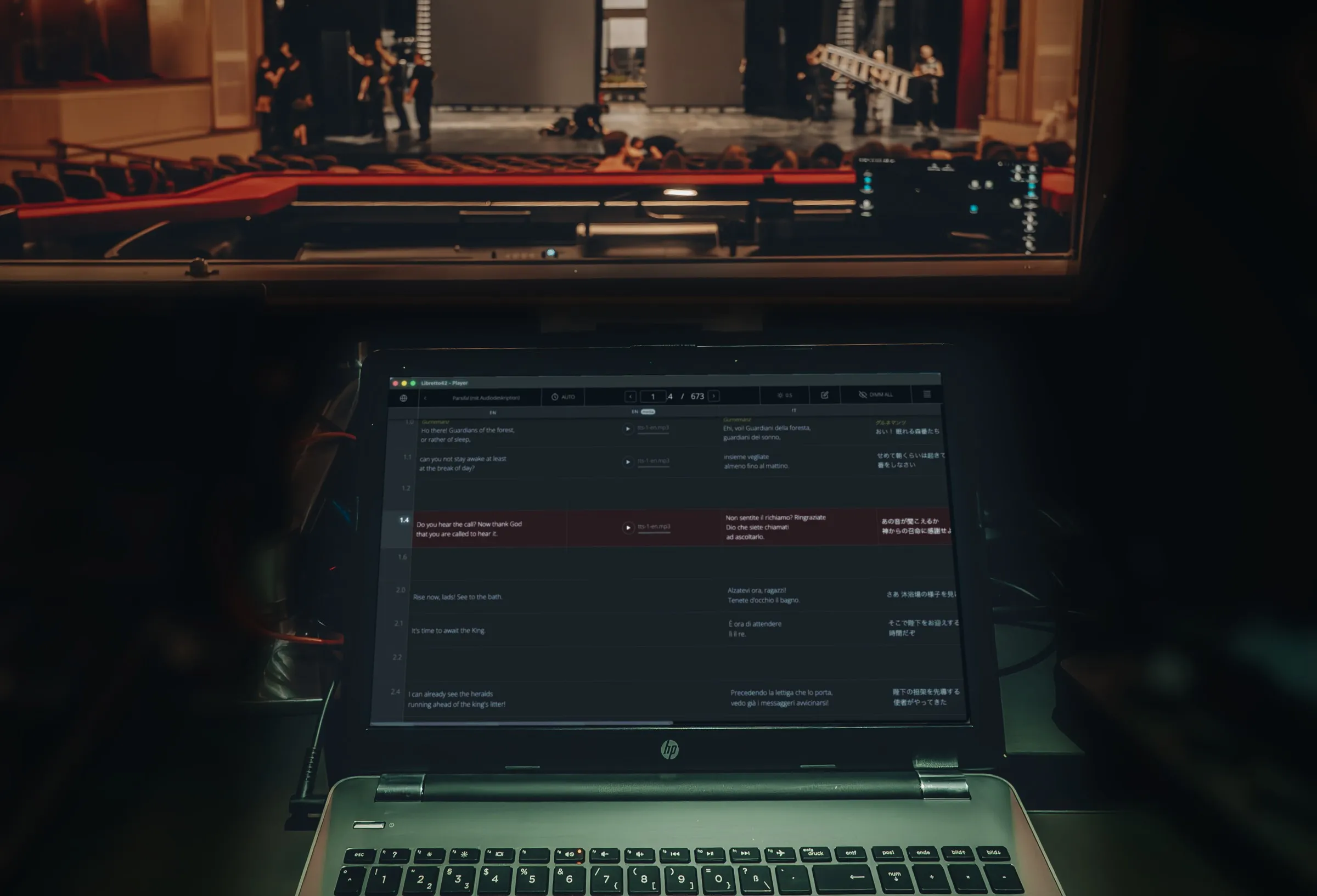
Laptop running the libretto42 Player in the control room, with a view of the stage during a rehearsal through the window
  • Offline mode

    Once activated, the Desktop Player needs no internet during the performance. Simply connect the LED wall or projector via HDMI.

  • Intuitive controls

    Forwards and backwards by mouse or keyboard, jump straight to an act or frame, black out the display during the interval.

  • Languages per screen

    One screen, one language, or several at once: you decide for each surtitle screen which languages it shows and how they’re arranged.

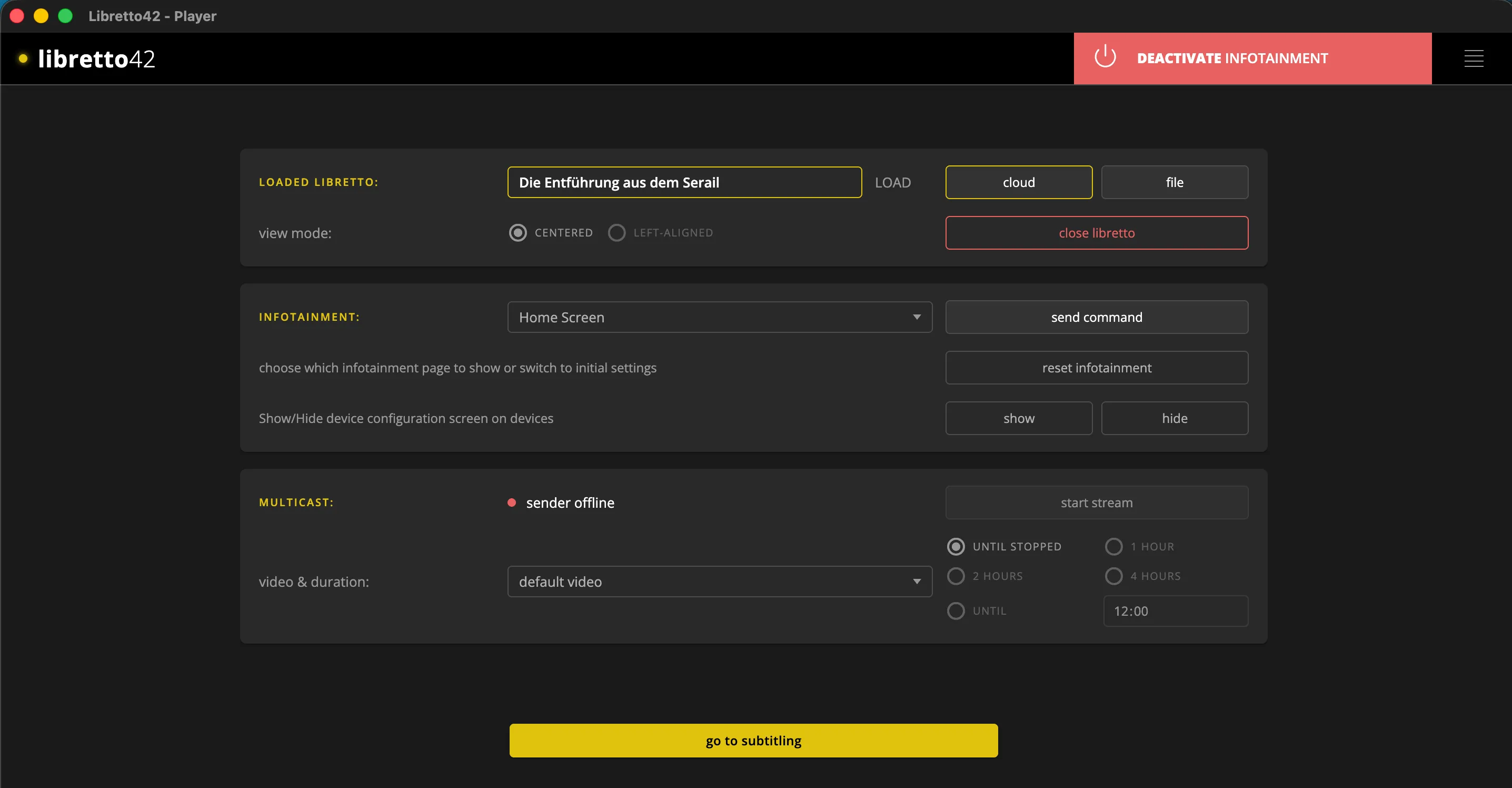
Player start page: the loaded libretto “Die Entführung aus dem Serail” from the cloud or a file, infotainment with page selection, a multicast stream with video and duration, and the button to go to subtitling
Before the performance: load the libretto, control the infotainment on the seat displays and start the multicast stream. Then on to subtitling.
  • Automatic switch

    Before curtain up the infotainment runs; for the performance, the Player switches to subtitles.

  • QLab integration

    QLab moves the surtitles on, and the Player starts cues for sound, video or lighting that are set in the libretto.

  • DMX control

    The lighting desk or any DMX source controls the surtitles via sACN or Art-Net: next, back, brightness, blackout.

Infotainment

The programme
that thinks ahead

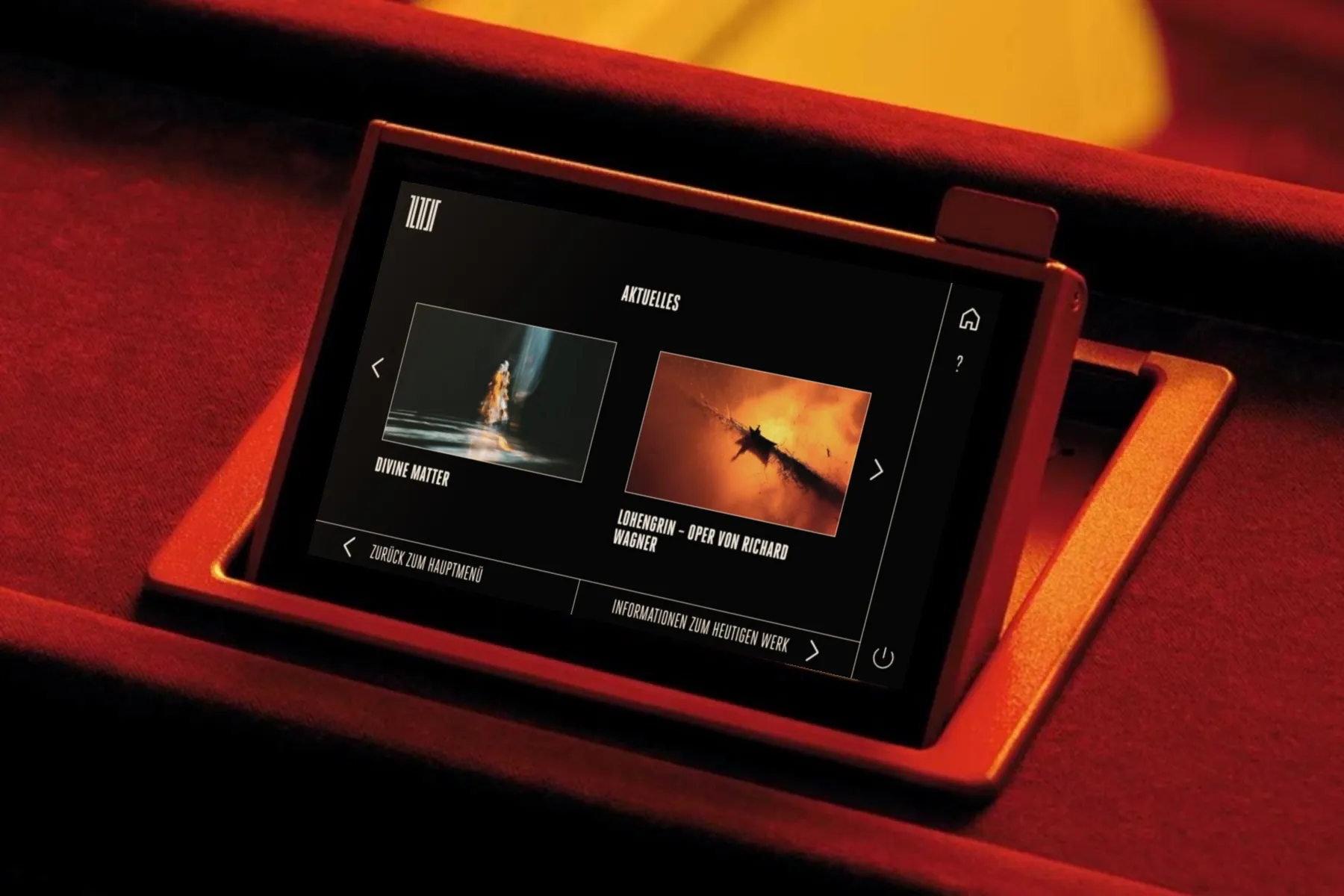
infotainment42 runs on the seat displays before the performance and during the interval, showing the programme, sponsor messages, extra offers and surveys. As soon as the performance begins, the same screen switches seamlessly to the subtitles.

Seat display in the auditorium running infotainment42: current productions at a glance
  • Managed centrally

    All content in one CMS, synced automatically from the venue’s website.

  • Pre-order drinks

    Order drinks on the seat display and pick them up at the bar.

  • Newsletter & surveys

    Right at the seat, on the same device as the subtitles.

  • Offline mode

    infotainment42 runs in the building, independent of the internet.

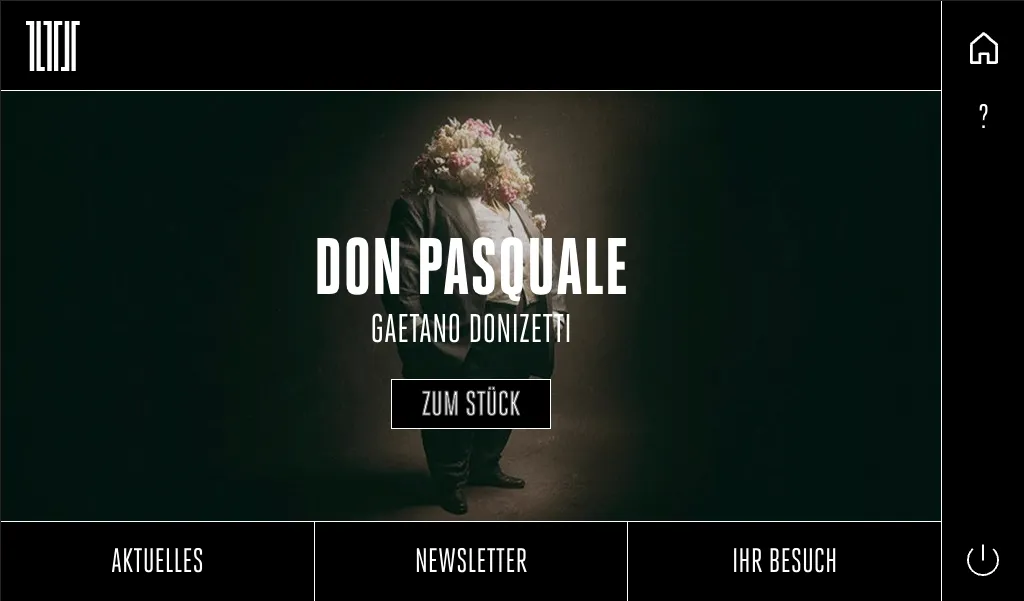
infotainment42 screenshot: start page on the seat display showing “Don Pasquale” by Gaetano Donizetti, an “About the work” button and the menu items News, Newsletter and Your visit
Before the performance: the start page for “Don Pasquale” on the seat display. Tap “About the work” for the programme notes, or use the menu below for news, the newsletter and visitor information.

Maestro

Keep track of every device —
from a single screen

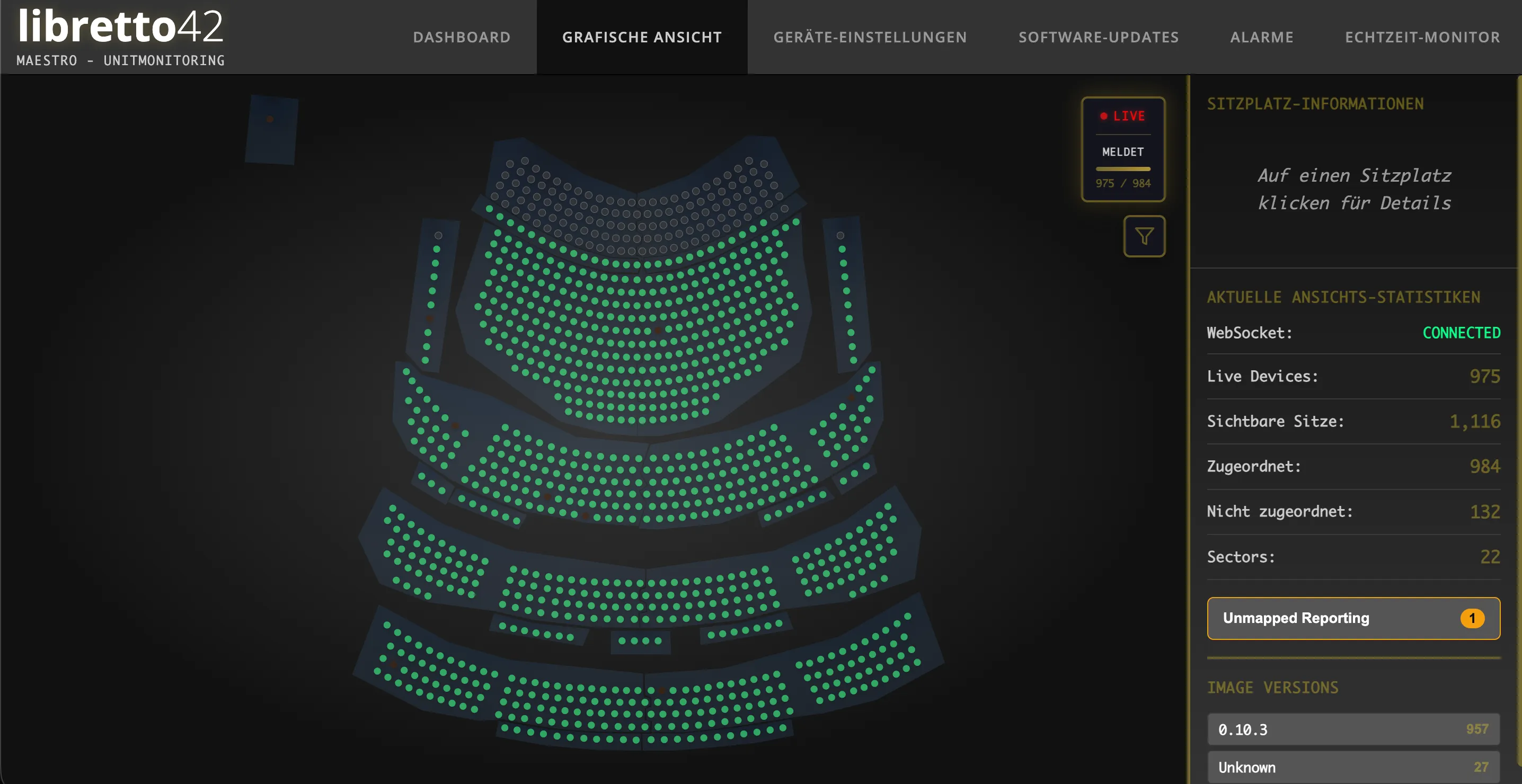
Maestro monitors every device in the building and shows at a glance whether everything is running.

Maestro: seating plan with the seat displays as green dots
  • Spot malfunctions early

    Maestro detects problems automatically, often before a guest notices them.

  • Complete overview

    Keep an eye on every display: seating-plan view, status of each device, alerts.

  • Central updates

    Safely to all devices at once, however large the fleet.

  • Remote maintenance

    Adjust brightness, restart, control many devices at once, without having to go to each display.

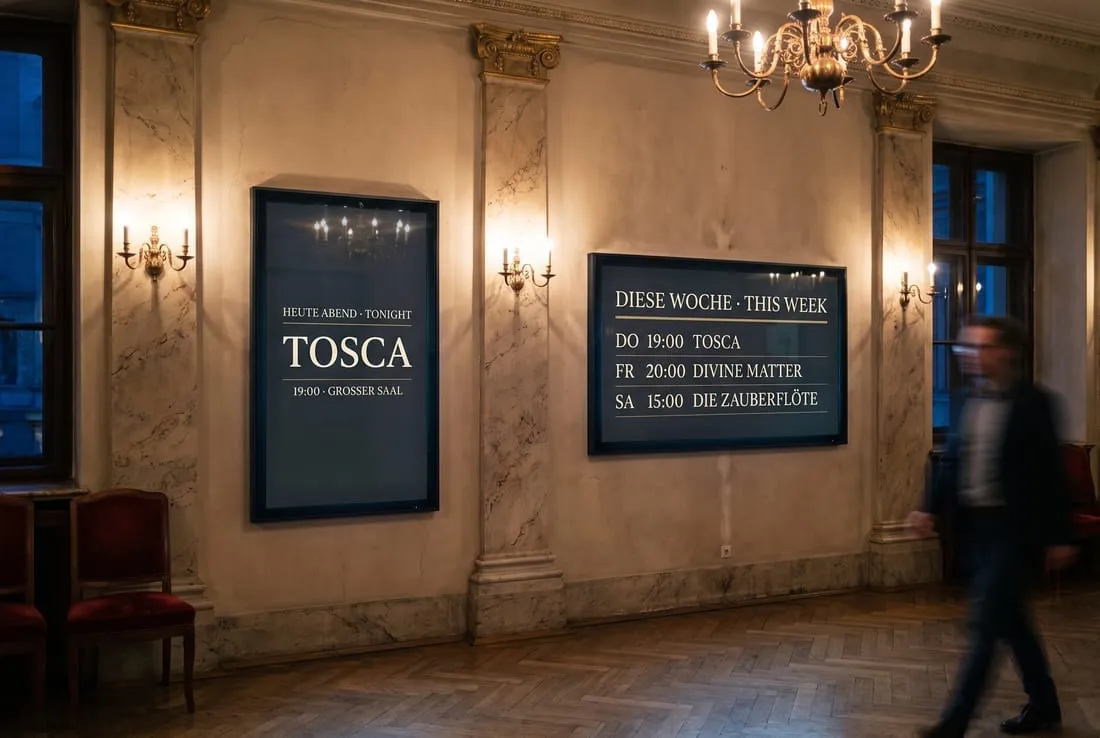
Foyer with two signage42 screens: Tosca tonight and the programme for the week

Digital Signage

Your programme
on every screen
in the building

signage42 runs the screens in the foyers, at the auditorium entrances and backstage. Before and after the performance and during the interval, they automatically show the night’s programme, the coming week, casts, sponsor messages and interval notices, taken straight from the venue’s schedule, in German and English. During the performance, they can also show the subtitles from libretto42, in sync with the stage. signage42 is a standalone product from the libretto42 family.

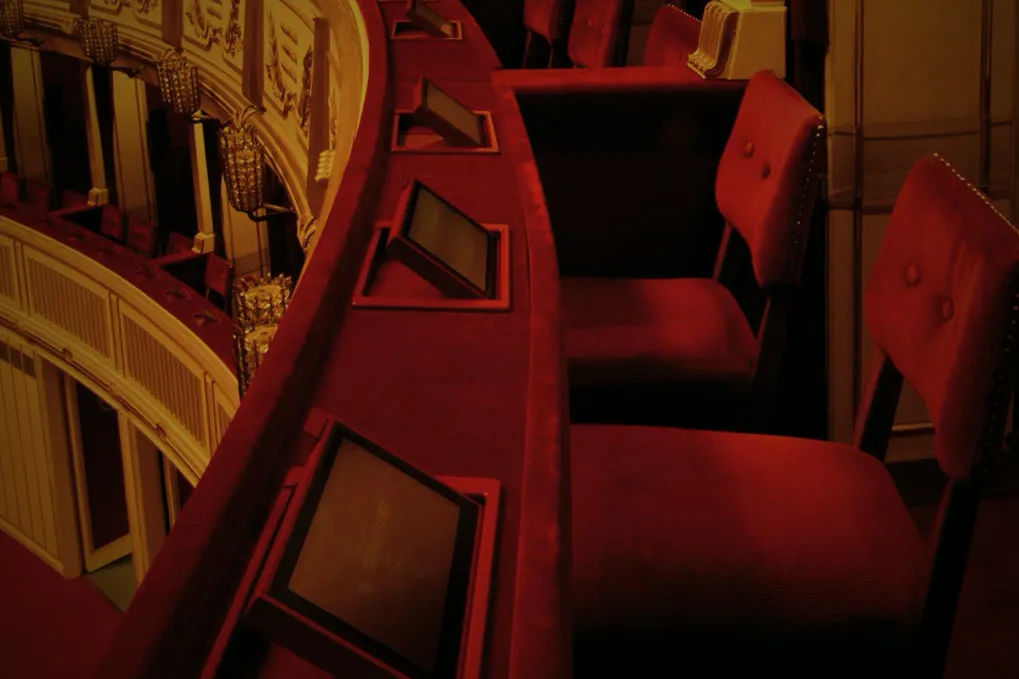
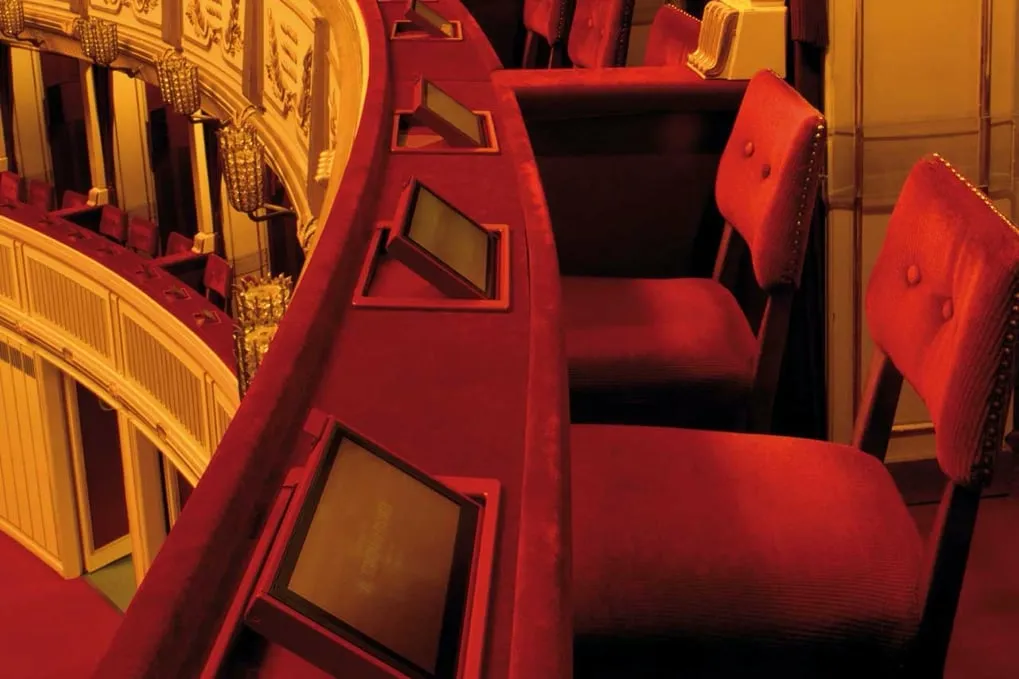
A box parapet at the Vienna State Opera with built-in seat displays in front of red velvet chairs.

See libretto42 at your venue

Arrange a demo tailored to your setup — we’ll get back to you quickly and personally.